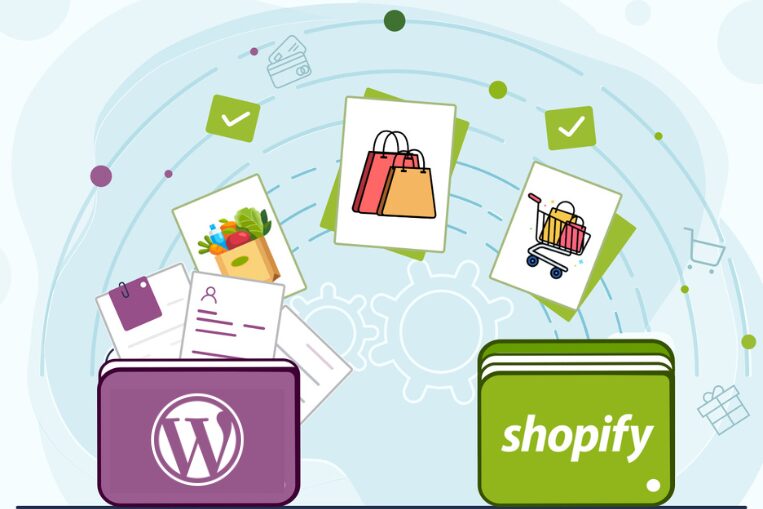
Shopify attracts online store owners with its easy management and stable performance. That’s why many Magento, WooCommerce, and Wix users choose to migrate to this platform. However, the move can be painful for your business if you’re unfamiliar with the cloud service and don’t know how to set up your site properly. In such cases, it’s best to hire comprehensive Shopify development services.
How Does Data Migration Work?
Moving to Shopify involves a variety of tasks, which can be roughly divided into five stages:
- Data Preparation. First, you need to audit your data and remove unnecessary information. This could include old orders or outdated products. Before cleaning, you should back up your database to avoid losing important information.
- Maintaining Search Engine Rankings. Links to Shopify will differ from those on your previous platform. Therefore, you should set up 301 redirects for search engine crawlers. This will help preserve page rank.
- Choosing a Transfer Method. If your store is small, you can export the data to a CSV file and then import it to the new platform. However, this method isn’t suitable for larger marketplaces. It’s also ineffective for stores with complex structures, custom integrations, or products with specific attributes. In such cases, professional website customization will be required.
- Functional Testing. After importing the data, verify the platform’s functionality. Test the accuracy of prices and filtering. For example, in a clothing store, size and color selection should work correctly. You should also check the functionality of promo codes, the shopping cart and payment systems, and the email notifications sent to customers. The site should be tested not only for errors but also for the ease of use of the interface. Place a few trial orders to ensure the process is clear.
Before officially launching your online store, you should train your staff on how to use the control panel. Shopify has a simple interface, so this should be straightforward.
Typical Mistakes When Migrating to Shopify
When migrating to Shopify unprofessionally, store owners make a number of critical mistakes. For example, they:
- Don’t transfer all fields. You can transfer product names and prices, but forget about brands and sizes. As a result, filters won’t work.
- They copy product descriptions directly from the old admin panel. Along with the content, styles from the old platform are transferred to the new site. This slows down the online store and distorts the template.
- They forget about user passwords. Passwords are protected from copying, so customers won’t be able to log in to their accounts on the new platform. You should create a newsletter for registered users asking them to activate their accounts and create a new password.
- They duplicate content. If, for some reason, the database isn’t completely copied, you need to delete the transferred information before trying again. Failure to do so will result in identical products with different IDs appearing in the catalog.
- They forget to set up redirects. This leads to errors when clicking links and a sharp drop in search rankings.

The efficiency of your online store after migration will depend on clean code, properly configured redirects, and the smooth transfer of all data.
About The Author