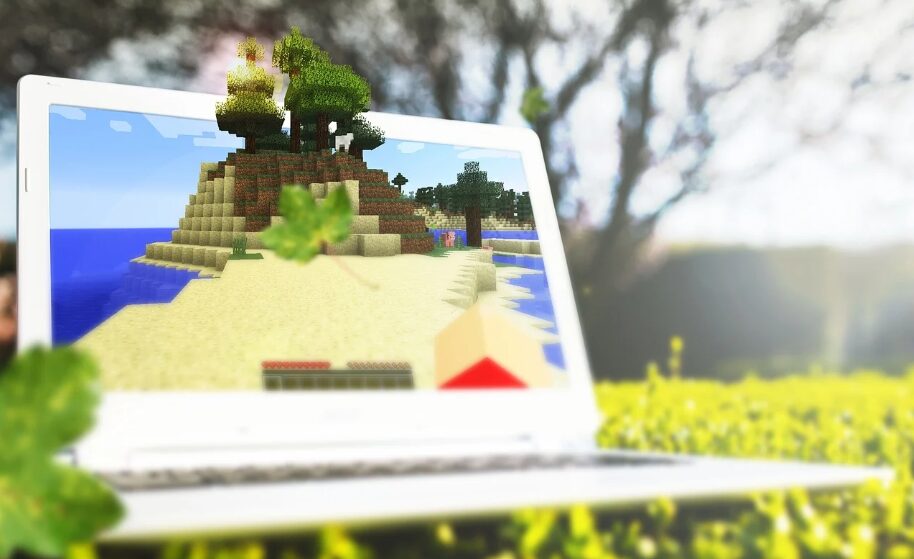
Minecraft feels different depending on where you play it. On a powerful PC, worlds expand without much resistance. On Nintendo’s hybrid console, the priorities shift. You gain mobility. You trade some performance. For many players, that balance works.
Interest in switch minecraft usually starts with portability. You can build in handheld mode on the couch. Later, dock the console and continue on a bigger screen. You can even connect online from almost anywhere. That freedom to move between handheld and TV play is a major reason people pick it up. Minecraft launched on Switch in 2017 and was later rebuilt around the Bedrock version shared with other devices.
The game supports dual play modes and online functionality through Nintendo’s network service.
Technically, though, the hardware operates closer to mobile-class performance than desktop standards.
Shigeru Miyamoto once remarked that rushing development rarely ends well. The same idea applies here — knowing what a system can and cannot handle leads to a better experience.
Can You Play Minecraft on Nintendo Switch?
The question appears often: can you play minecraft on nintendo switch without restrictions? The answer is yes — but with context.
The Bedrock Edition runs natively. You can join Realms. You can connect to featured servers. Local split-screen is available. Survival and Creative modes work exactly as expected.
A major strength of the Bedrock version is shared multiplayer. The Minecraft website explains that players can link up across different platforms without restriction. That means a Switch player can join friends on different systems without issue.
Where Performance Differences Show
The Nintendo Switch uses NVIDIA Tegra architecture designed for efficiency. It is not built for extreme processing loads. Large redstone systems, massive mob farms, and heavy automation can introduce frame drops.
Chunk loading is another factor. When multiple players move in different directions on a public server, terrain generation increases system demand. Under light to moderate load, everything feels steady. When worlds fill up with players or complex builds, performance pressure starts to show.
Because Minecraft connects players across multiple platforms, optimization plays a critical role. Multiplayer sessions happen constantly. Stability is not optional — it is expected.
Minecraft for Nintendo Switch works especially well for:
- Casual survival sessions
- Portable creative building
- Local split-screen play
- Realms with friends
Docked mode often runs slightly more stable due to cooling advantages. Handheld mode offers freedom, but heavy worlds may feel less consistent.
If you keep entity counts reasonable and avoid extreme automation, the experience remains enjoyable. The system performs best in balanced environments.
Servers Matter More Than the Console
Here is something many players overlook. Multiplayer stability depends heavily on backend infrastructure.
Large communities invest in reliable hosting for large minecraft servers to maintain smooth gameplay across platforms. High single-thread CPU performance, fast storage, and low-latency routing influence how worlds load and how entities behave.
Switch users benefit from optimized servers just as much as PC players do. If a server struggles, every connected device feels it.
Peter Drucker once wrote, “The best way to predict the future is to create it.” Choosing strong hosting and balanced server settings prevents problems before they start.

A Balanced Perspective
Switch minecraft is not about maximum graphical performance. It is about flexibility. It allows players to carry their world in a backpack and continue building anywhere.
So, can you play minecraft on nintendo switch comfortably? Yes. Millions do every day. The key is understanding what the console does well — and where it needs support from strong server infrastructure.
Portable play. Cross-platform access. Practical expectations.
When those elements align, the experience feels smooth, social, and surprisingly capable.
About The Author