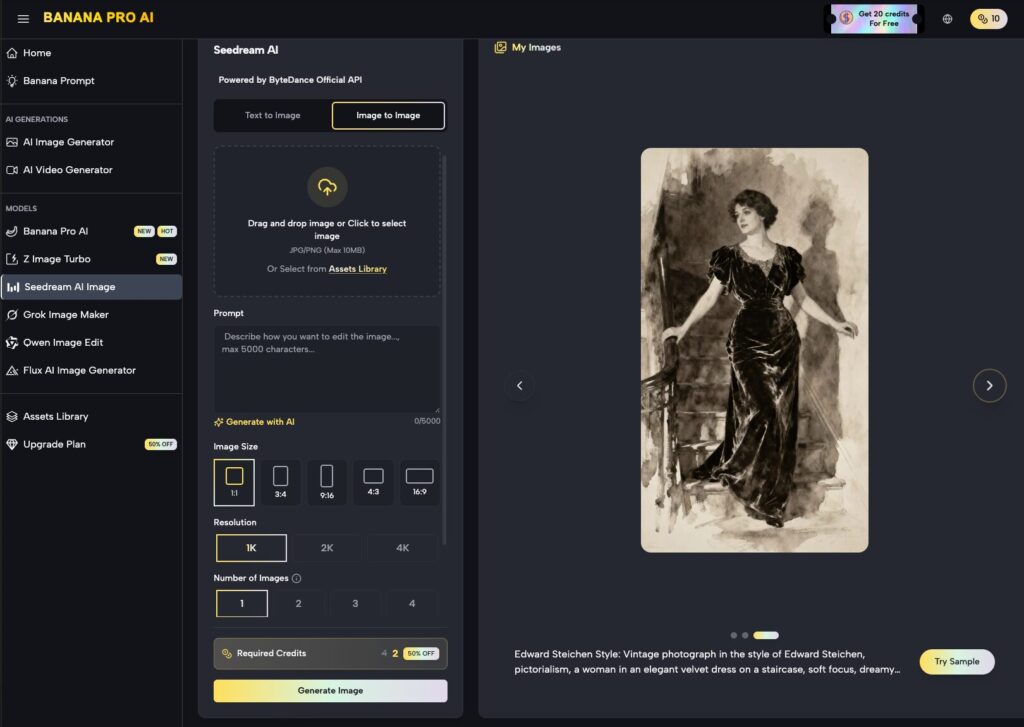
In the early stages of adopting generative media, a single creator can often maintain a cohesive aesthetic through sheer intuition. They know which descriptors yield a specific cinematic lighting and which seeds produce the desired texture. However, as soon as a workflow scales to a content team—where multiple designers, editors, and social media managers are pulling from the same toolset—that cohesion often evaporates.
This phenomenon, known as stylistic drift, results in a “Frankenstein” brand identity where one asset looks like high-end 3D photography while the next feels like a digital painting. To solve this, teams must move beyond prompt-and-pray methods and toward a structured operational protocol. Operationalizing tools like Nano Banana Pro requires a transition from individual experimentation to a centralized asset pipeline.
Understanding the Root of Latent Variance
The primary challenge in team-based AI production is that generative models are inherently probabilistic. Even with a shared prompt, small variations in how a user interacts with the interface or minor adjustments in the negative prompt field can lead to wildly different results. When teams use Banana Pro, they aren’t just using an image generator; they are interacting with a complex latent space that requires specific constraints to remain “on-brand.”
Stylistic drift usually occurs in three areas: color science, architectural geometry, and “character” consistency. If one team member uses a specific model for a product launch and another member uses a different iteration of the same model family, the lack of parity becomes visible immediately. This is why selecting a stable foundational model, such as Nano Banana Pro, is the first step in building a repeatable pipeline.
Standardizing the Base with Nano Banana Pro
Consistency begins at the model selection level. In a multi-user environment, having a “source of truth” model prevents creators from wandering into incompatible visual territories. Within the Banana AI ecosystem, teams often find that sticking to a specific high-performance model allows for better cross-user predictability.
Nano Banana Pro has emerged as a preferred choice for production teams because of its balance between prompt adherence and stylistic neutrality. Unlike some models that bake in a heavy “AI look”—characterized by oversaturation and plastic-like skin textures—Nano Banana Pro provides a cleaner slate. This neutrality is critical because it allows the team to apply their own stylistic “filters” via prompt libraries rather than fighting against the model’s internal biases.
Establishing the Prompt Library and Seed Management
To eliminate drift, teams must stop treating prompts as ephemeral messages. A shared prompt library is the cornerstone of creative operations. This library should not just contain keywords, but also specific “negative prompt” blocks that are mandatory for all team assets.
For instance, if the brand identity requires a matte, desaturated look, every user on the team needs to include the same specific tokens in their workflow. When using Nano Banana, the difference between “soft lighting” and “diffused cinematic volumetric lighting” can be the difference between a usable asset and a wasted generation.
It is also important to acknowledge a technical limitation: bit-for-bit replication across different sessions can occasionally fail. Even with identical seeds and prompts, minor differences in how cloud-based rendering nodes handle floating-point calculations can lead to subtle pixel shifts. While these are usually negligible for social media, they can be problematic for high-fidelity print work, requiring teams to designate a single “master” account for final upscaling and renders.
The Role of the AI Image Editor in Post-Production
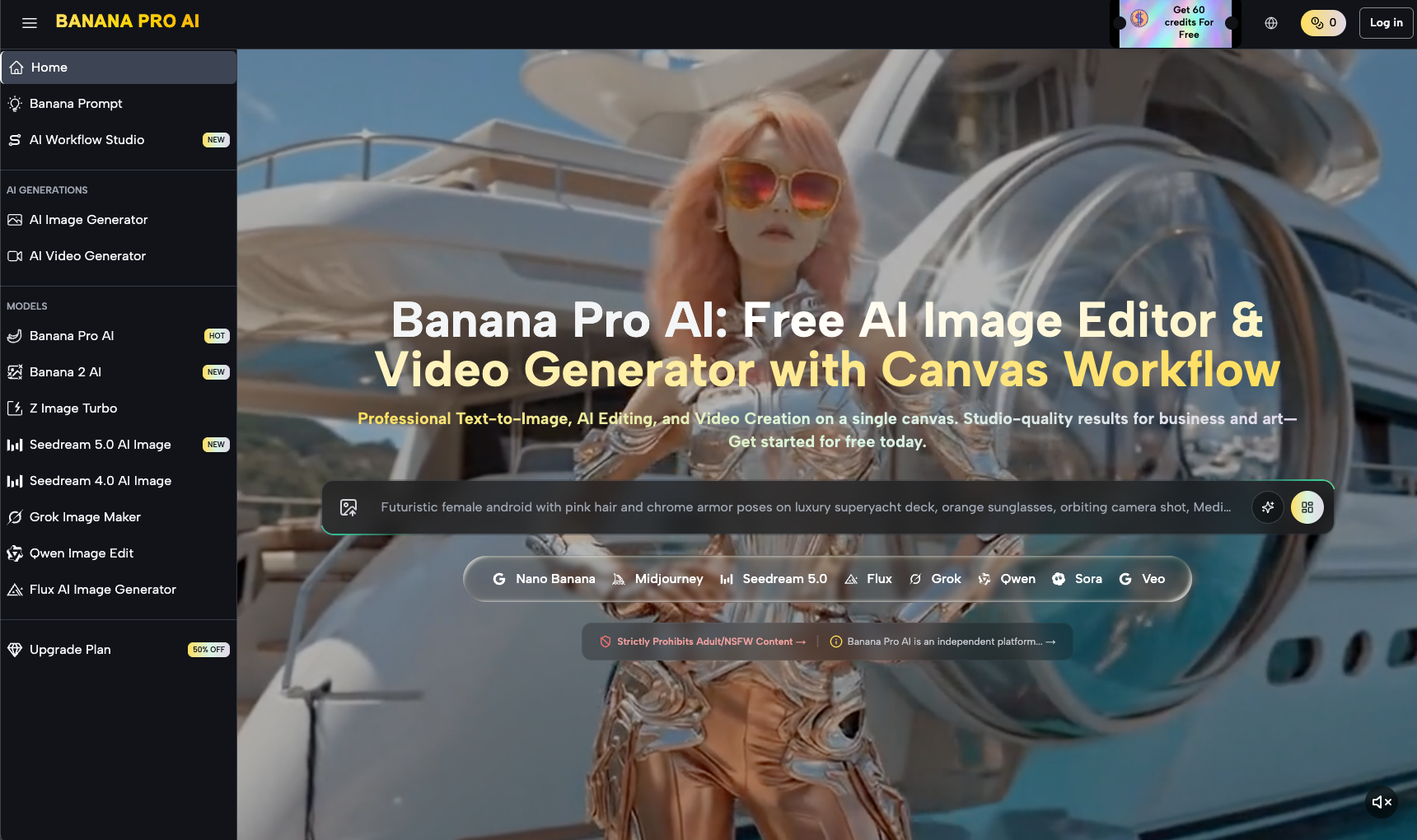
Generation is only 60% of the workflow. To ensure that assets from different creators truly match, teams must utilize a centralized AI Image Editor. This is where the “Canvas Workflow” becomes essential. Instead of simply generating an image and downloading it, team members should work within a shared canvas environment where they can perform in-painting and out-painting to align disparate assets.
If a designer generates a background using Nano Banana and another designer creates a foreground subject, the two assets might have slightly different light sources. Using an AI Image Editor allows the team to mask sections and re-render them using a “unified light” prompt. This layer of manual intervention is what separates professional content teams from casual users. It moves the process from “generative” to “iterative.”
Managing Temporal Consistency in Video
The challenge of drift is amplified ten-fold when moving from static imagery to video. Currently, generative video is a moving target. While tools within the workflow studio allow for image-to-video transitions, maintaining the exact likeness of a person or object across multiple clips is still difficult.
We must reset expectations here: expecting a 100% stable, jitter-free character across a 60-second narrative without significant manual rigging is currently unrealistic for most teams. To mitigate this, successful teams use a “Reference-First” approach. They generate a single high-quality “Anchor Image” using Nano Banana Pro and use that specific image as the seed for all subsequent video frames. This prevents the video model from hallucinating new features as the clip progresses.
Implementing a Review and Feedback Loop
Operationalizing generative media is as much about human management as it is about software. A “Creative Ops” lead should be responsible for auditing the team’s generations weekly. This isn’t just about quality control; it’s about identifying “prompt leakage.” Prompt leakage occurs when a team member finds a specific “hack” or keyword that works well and begins overusing it, gradually pulling the team’s collective output toward a new, unsanctioned aesthetic.
By reviewing the logs and generation history within the team dashboard, managers can see which settings are yielding the most on-brand results. If a particular variation of a prompt using Nano Banana is consistently outperforming others, it should be codified into the team’s “Golden Prompt” list.
The Ethics of Style Standardization
As teams refine their pipelines, a question of creative stifling often arises. Does a rigid protocol kill the very “magic” that makes AI tools interesting? The answer lies in the distinction between “Exploration” and “Production.”
A healthy team workflow allows for 20% of the time to be spent in a sandbox environment—using tools like Nano Banana to push boundaries and find new visual languages. The remaining 80% of the time, however, must adhere to the established pipeline. This ensures that the brand remains recognizable while still allowing the toolset to evolve over time.
Final Protocol for Multi-User Consistency
To wrap up, a team looking to operationalize their generative media workflow should follow this four-step protocol:
- Model Locking: Standardize on a high-fidelity foundation like Nano Banana Pro to ensure all users are starting from the same latent baseline.
- Prompt Centralization: Maintain a live document of mandatory negative prompts and “style tokens” that define the brand’s visual boundaries.
- Canvas-Based Collaboration: Shift from a “generate and download” habit to an “edit and refine” habit within a shared AI Image Editor. This allows for the correction of stylistic outliers before they reach the final export stage.
- Anchor Assets: Use a single “Master Image” for all derivative works (videos, social crops, ads) to ensure that the lighting, texture, and character remains constant across the entire campaign.
The goal is not to turn designers into prompt engineers, but to provide them with a predictable, high-quality environment where their creative intent isn’t diluted by the randomness of the model. By mastering the settings of the Banana ecosystem and maintaining strict operational discipline, content teams can finally produce AI-generated assets that feel like they came from a single, unified hand.
About The Author