Getting started with AI in interior design doesn’t require any design background, software training, or expensive tools.
Whether you’re a homeowner planning a renovation, a real estate agent, or a professional designer working on a client project, the process is the same regardless of which tool you pick.
It usually starts with a single photo of the space you want to work with, followed by a few simple choices about style or direction, and ends with a polished, shareable result in just a few minutes- yes, not days.
In this article, you will find how AI is helpful in interior design, as well as get a few AI interior design tool recommendations with their features and pricing.
|
Tools |
Features |
Pricing |
|
Krea.ai |
|
|
|
Spacely AI |
|
|
|
HomeDesignsAI |
|
|
AI in Interior Design: How Can It Help?
AI speeds up a lot of interior design work that used to be done manually, took a long time, and required specialized knowledge and software to create design options.
With modern AI tools, you can now restyle or redesign a space from a single photo and even turn it into a video.
Here are some general features that most of the AI interior design tools have:
- Fast concept exploration
Generate ready-made concepts in seconds and bring any design idea to life with simple editing.
- Realistic visualizations
Try out different furniture, materials, and colors before starting a renovation or making a purchase.
- Presentation-ready client concepts
Create polished presentations and renders to share with clients.
- Cost savings
Cut costs on manual rendering, interior design software, or hiring a professional designer.
With so many benefits on offer, it’s worth knowing which tools actually deliver on them.
Below are some of the best AI tools for interior design right now.
Top AI Tools for Interior Design
Krea.ai
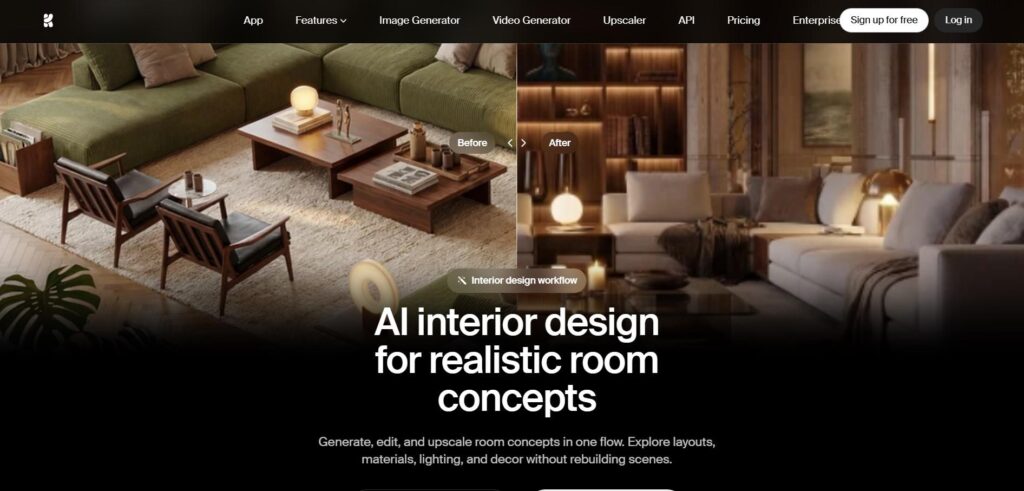
Krea.ai is an AI creative suite that encompasses a wide selection of tools and features, from AI image generation to video and 3D generation. One of its solutions is interior design, as Krea’s tools are highly effective for use in this sphere.
When planning your interior design workflows, Krea is especially helpful in:
- Creating photorealistic and polished room visuals: Here, you can use its image generation and enhancer features to get high-quality room directions.
- Getting multiple style directions for furniture layout, colors, and decor.
- Refining lighting and materials: You can choose from different materials such as wood, fabric, and stone, and choose preferred lighting options. All is within your approval.
And if you need to present interior design proposals or visuals to clients or customers, Krea.ai also offers an option of creating ready presentations, moodboards, style studies, or room concepts.
All these generation, refinement, and editing work is carried out in one place without the need for downloading complex software.
Pricing plans
You can start testing Krea.ai and its features for free. And if you need an upgrade, you can consider its pricing plans, each offering its own features.
- The Basic plan starts at $9/month (5000 monthly units).
Why Krea.ai stands out: Krea.ai isn’t just a room design tool. It’s a full AI creative suite for image generation. That means once you’re using it for interior design, you also get access to its other tools, like image upscaling and general AI art generation, which you can use for things like marketing visuals, mood boards, or social media content too.
Spacely AI
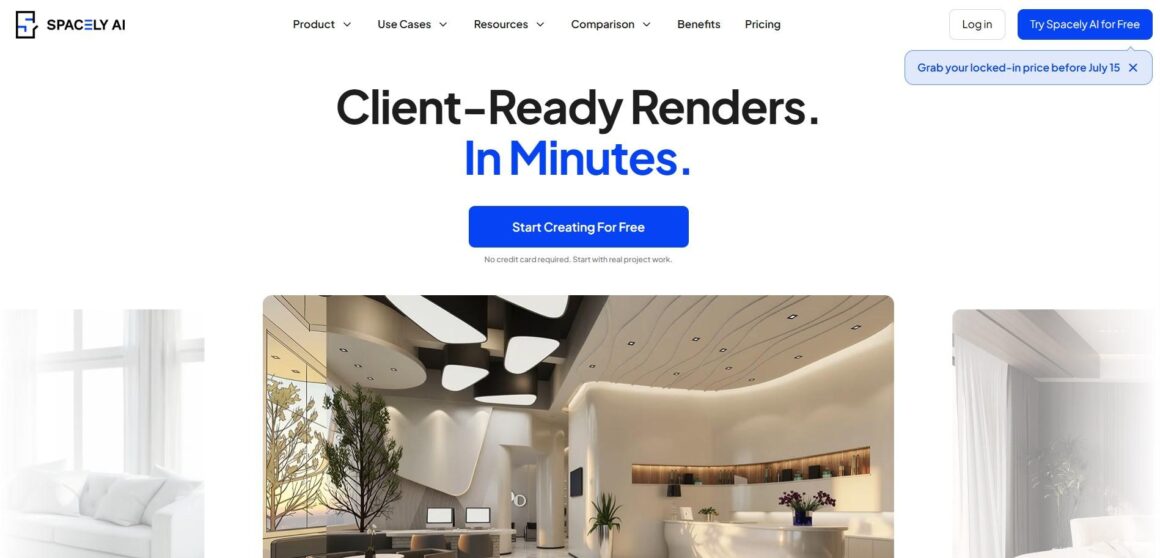
Spacely AI is an interior design tool that allows you to create and edit instant space designs, as well as photorealistic renders and ready visuals for clients.
Spacely AI offers the following features suitable for home and room design works:
- Transforming sketches into photorealistic AI-generated renders
- Editing materials and colors using simple prompts
- Trying different lighting options such as daylight, evening ambiance, or warm indoor lighting
- Adding furnishings to spare rooms and testing the furnishing design styles
- Enhancing and sharpening the render quality using AI enhancement features
As you are done with your design, the platform supports various file upload formats such as PNG, JPG, WebP, or AVIF.
Pricing plans
Spacely AI also offers a free plan with 40 trial credits to test the tool. And if you want to upgrade your plan after testing its features, the pricing starts at $15/ month (200 monthly credits).
HomeDesignsAI
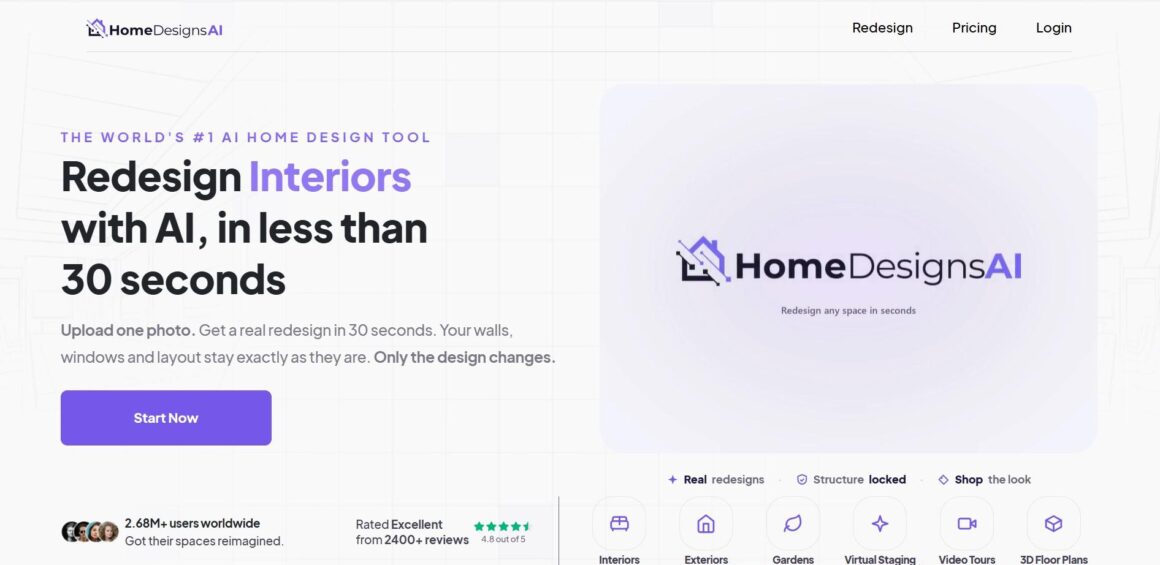
HomeDesignsAI is an AI interior, exterior, and garden design tool.
It works in 3 easy steps where you upload a sketch or JPG/PNG photo of your room, exterior, or garden. The platform then generates different styles and over 160 looks that you can choose from and edit any detail. The whole process takes 30 seconds, and you can download the final output in high-resolution format or a video format.
HomeDesignAI’s main features include:
- Restyling any room
- Redesigning exteriors
- Staging empty rooms
- Refining outdoor spaces
- Turning sketches into photorealistic renders
- Swapping colors and materials
- Estimating renovation costs
- Generating branded business visuals
Pricing plans
The pricing starts at $27/ month (100 design credits).
Summing it Up
AI won’t make the final renovation choices for you, but it can take away much of the guesswork. With just a photo and a few minutes, you can explore design ideas that once took days to visualize or needed help from a professional.
If you’re looking for a good starting point, Krea.ai is a great option. It’s more than just an interior design tool. It also features AI image generation, style transfer, and image upscaling, making it a versatile creative platform.
For more precision, especially when working with architectural sketches, Spacely AI is a good choice because of its quality render outputs.
If you want to redesign an entire property quickly, HomeDesignsAI is a solid option. It allows you to generate ideas for interiors, exteriors, and even gardens, all from one platform.
About The Author